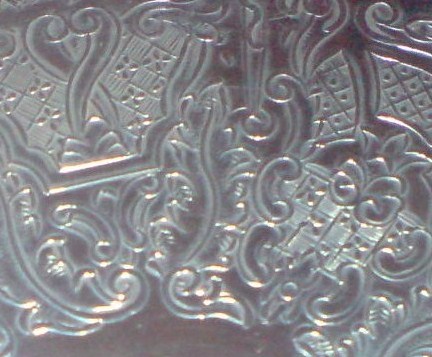
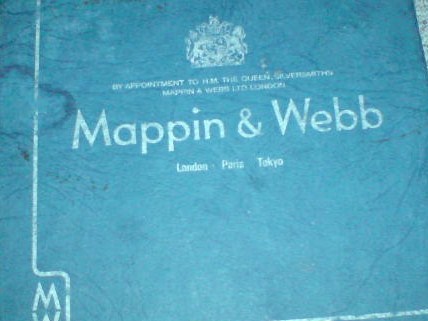
I have a set of 6 Mappin & Webb coasters, which appear to be in their original box. They are stamped with the name “MAPPIN & WEBB” but I can’t seem to find a hallmark on any of them. The only other marking on each coaster seems to say “05 09 B13” which looks like its been scratched on with a sharp object (such as a pin). I have tried to find out more about the coasters but am not able to find any information relating to coasters. Can anyone please help me?
As they are not hallmarked your coasters are, at best, electroplate. The scratched-on characters sound as if they not original and may well be a previous owner’s security markings. I assume they are just plain disks so would be of recent date. They have no intrinsic value so use them and enjoy them.
Thank you for taking the time to reply to my post. The disks are not plain disks. I have uploaded a photo of their box and the pattern on the coasters. I am a bit of a “techno phobe” and am not able to upload the other images i have taken of the coasters as i do not know how to er-size images. I could, if possible send them direct via email???
Assuming you are using a computer with a version of Microsoft Windows you will find under Programs -> Accessories a program called Paint which will allow you to crop and resize your pictures. In earlier versions you will need to use the Stretch / Skew function from the Image menu to do the resize. Alternatively download Google’s free Picasa image editor.